

Application Description
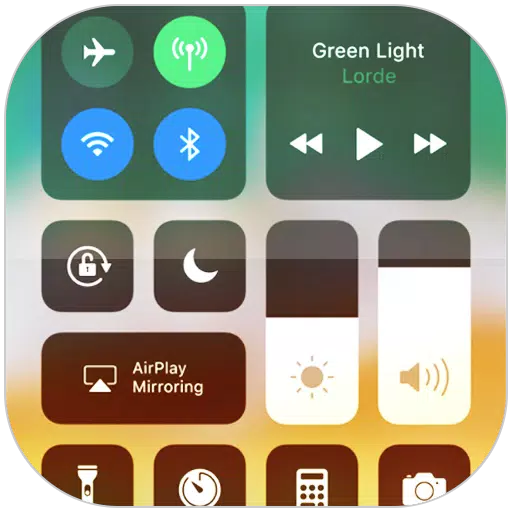
Control Center provides instant access to Camera, Clock, and other essential settings.
Control Center for iOS 15 offers immediate access to Camera, Clock, Screen Recording, Screenshot, and additional settings, similar to iOS X and iOS XS.
How to use: https://www.youtube.com/watch?v=DGTF7PZoVTg
To Open Control Center iOS 15
- Swipe up, down, right, or left from the edge of the screen.
To Close Control Center iOS 15
- Swipe up, down, right, left, tap the top of the screen, or press the Back, Home, or Recent button.
To change how you access Control Center on your device, open the Control Center application.
Quickly change settings and open apps:
Control Center allows you to swiftly access various settings and applications.
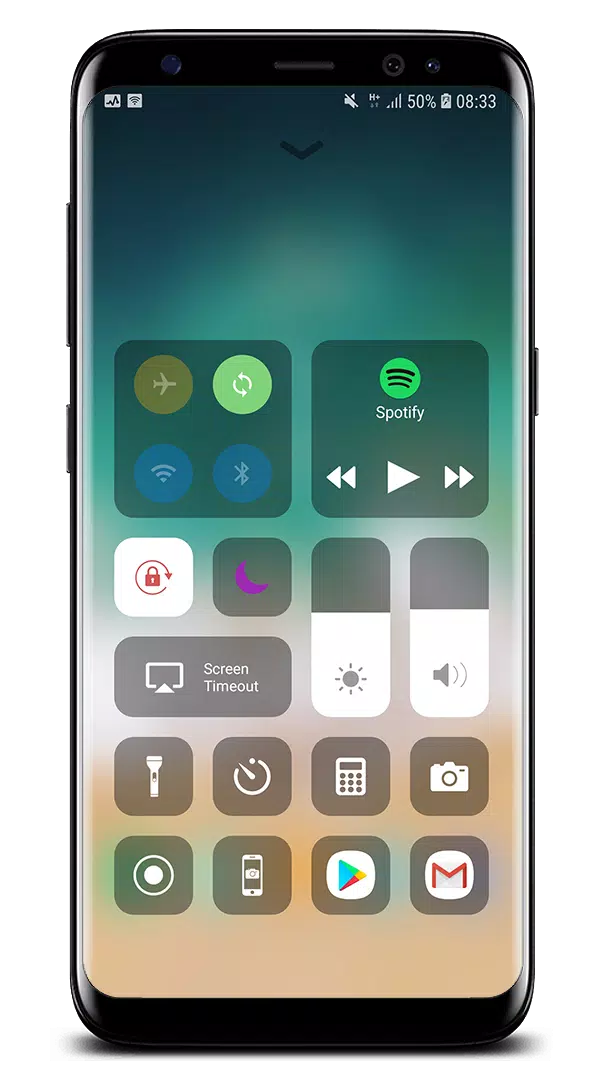
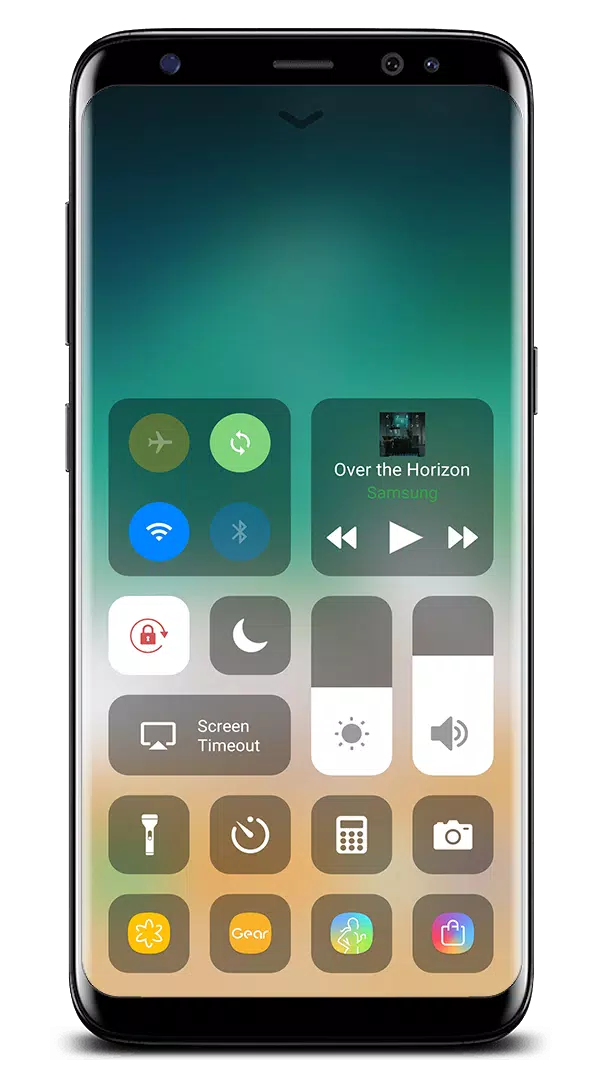
- Airplane Mode: Instantly turn off Bluetooth, Wi-Fi, and cellular connections on your Android device.
- Wi-Fi: Turn on Wi-Fi to browse the web, stream music, download movies, and more.
- Bluetooth: Connect to headphones, car kits, wireless keyboards, and other Bluetooth-enabled devices.
- Do Not Disturb: Silence calls, alerts, and notifications when your device is locked.
- Portrait Orientation Lock: Prevent your screen from rotating when you move your device.
- Adjust brightness: Modify your display's brightness from any screen.
- Flashlight: Use your camera's LED flash as a flashlight for extra light when needed.
- Alarms and Timer: Set an alarm, timer, or stopwatch, or check the time in another country.
- Calculator: Tap numbers and functions just like a standard calculator.
- Camera: Never miss a photo opportunity with quick access to your camera.
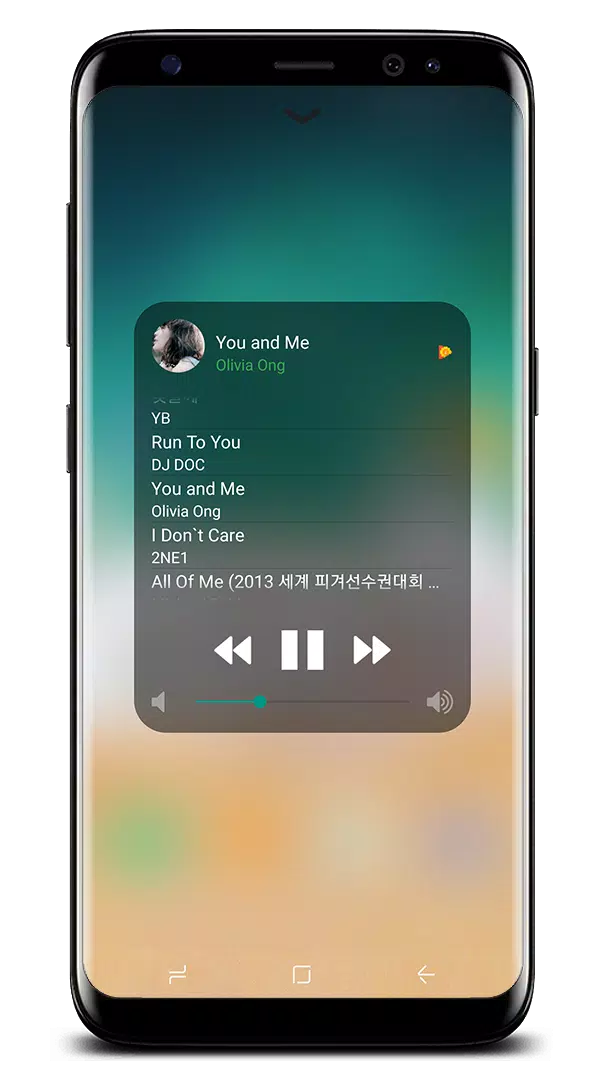
- Control audio: Quickly play, pause, and adjust the volume of your favorite songs, podcasts, and more.
- Record Screen: Record any activity on your phone. (Supports Android 5.0 and above only)
- Screenshot: Capture your screen. (Supports Android 5.0 and above only)
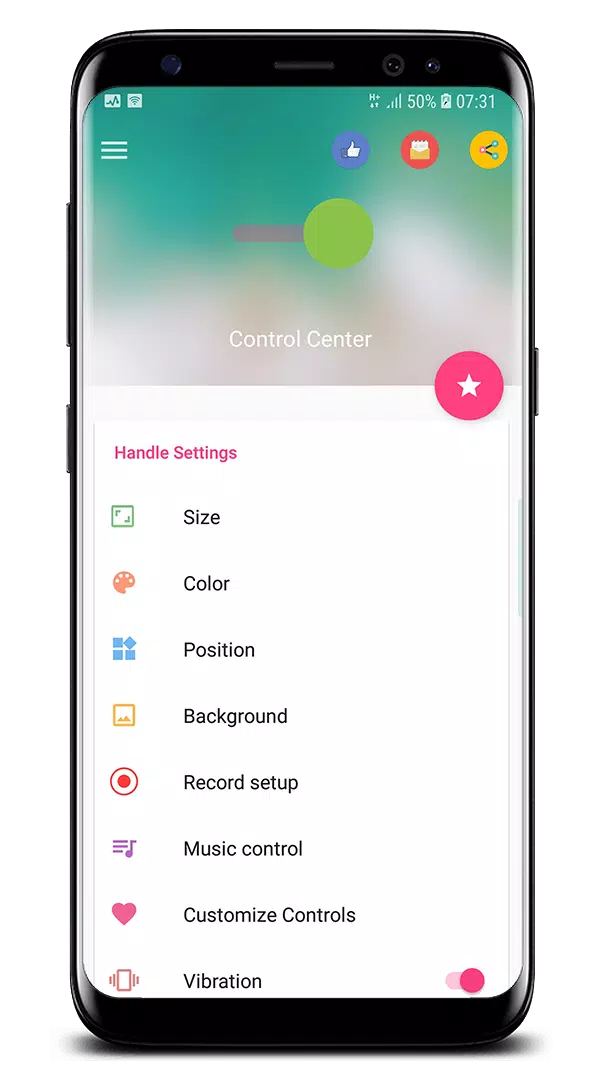
With the Control Center app, you can customize styles like size, color, position, vibration, and more, similar to iOS XS.
NOW, CONTROL CENTER ALSO SUPPORTS:
- Assistive Touch, similar to https://play.google.com/store/apps/details?id=com.luutinhit.assistivetouch
- iOS Launcher, similar to https://play.google.com/store/apps/details?id=com.luutinhit.ioslauncher
If you encounter any issues with the Control Center application, please contact me via email: [email protected].
Thank you for using my app!
What's New in the Latest Version 3.3.5
Last updated on Oct 21, 2024
- Fixed all issues reported by users.
THANK YOU VERY MUCH FOR USING MY APP!
IF YOU HAVE ANY PROBLEMS, PLEASE EMAIL ME. I WILL CONTINUE TO IMPROVE THE APP.
Control Center iOS 15 Screenshots
Reviews
Post Comments
Trending Games
Trending apps





![A Father’s Sins – Going to Hell [Ch. 7 Public] By Pixieblink](https://imgs.39man.com/uploads/67/1719578270667eae9eb6a75.jpg)






Latest Articles
More


Abalone App Revives Classic Board Game
Sep 14,2026
Devolver Digital Game Arrives Same Day As GTA 6
Sep 13,2026
