Projekt Zomboid: Alle Admin-Befehle
Autor: Alexis
Jan 04,2025


Wie wir alle wissen, ist Project Zomboid ein sehr herausforderndes Spiel. Selbst wenn Sie mit Freunden spielen, stehen Sie immer noch vor dem Dilemma der Zombie-Belagerung und des Mangels an Überlebensvorräten. Wenn Sie jedoch die Spielmechanik leicht erlernen möchten oder Ihre Freunde zusammenbringen (oder ihnen Ärger bereiten) möchten, können Sie einige Admin-Befehle verwenden, um Ihre Ziele zu erreichen.
Spieler, die ein Multiplayer-Spiel in Project Zomboid erstellen, verfügen automatisch über Administratorrechte und alle damit verbundenen Privilegien, aber sie sind wertlos, wenn Sie nicht wissen, wie man sie verwendet. Nachfolgend sind Administratorbefehle aufgeführt, die während einer Mehrspielersitzung nützlich sein können.
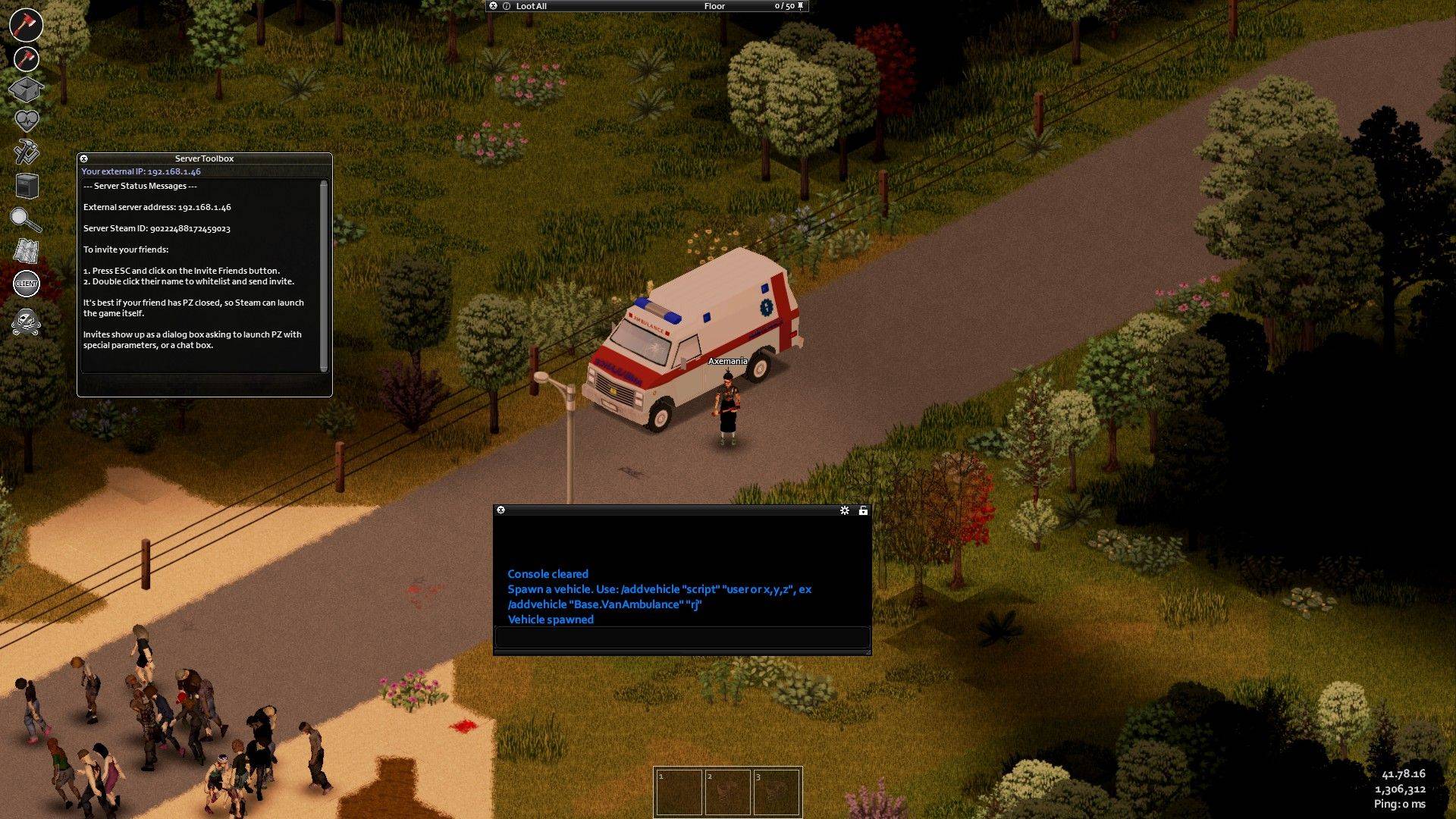 Die einzige Voraussetzung für die Verwendung von Admin-Befehlen ist, dass der Spieler vom Server als Admin erkannt werden muss. Der Host, der den Server überwacht, wird automatisch zum Administrator. Wenn Sie jedoch möchten, dass Ihre Freunde denselben Befehl verwenden können, geben Sie Folgendes im Chat im Spiel ein:








![A Father’s Sins – Going to Hell [Ch. 7 Public] By Pixieblink](https://imgs.39man.com/uploads/67/1719578270667eae9eb6a75.jpg)