Path of Exile 2 Trade Market Explained
Author: Matthew
Jan 03,2025


Path of Exile 2 offers multiple ways to trade items, enhancing the cooperative gameplay. This guide covers both in-game trading and the official trade site.
In-Game TradingPath of Exile 2 Trade Site
Two primary methods facilitate item exchange within Path of Exile 2. Direct trading with players in the same instance involves right-clicking their character and selecting "Trade." Both players then choose their offered items, confirming the exchange once agreed upon.
Alternatively, you can coordinate trades via global chat or direct messages. Invite the player to your party, teleport to their location, and initiate the trade by right-clicking their character.
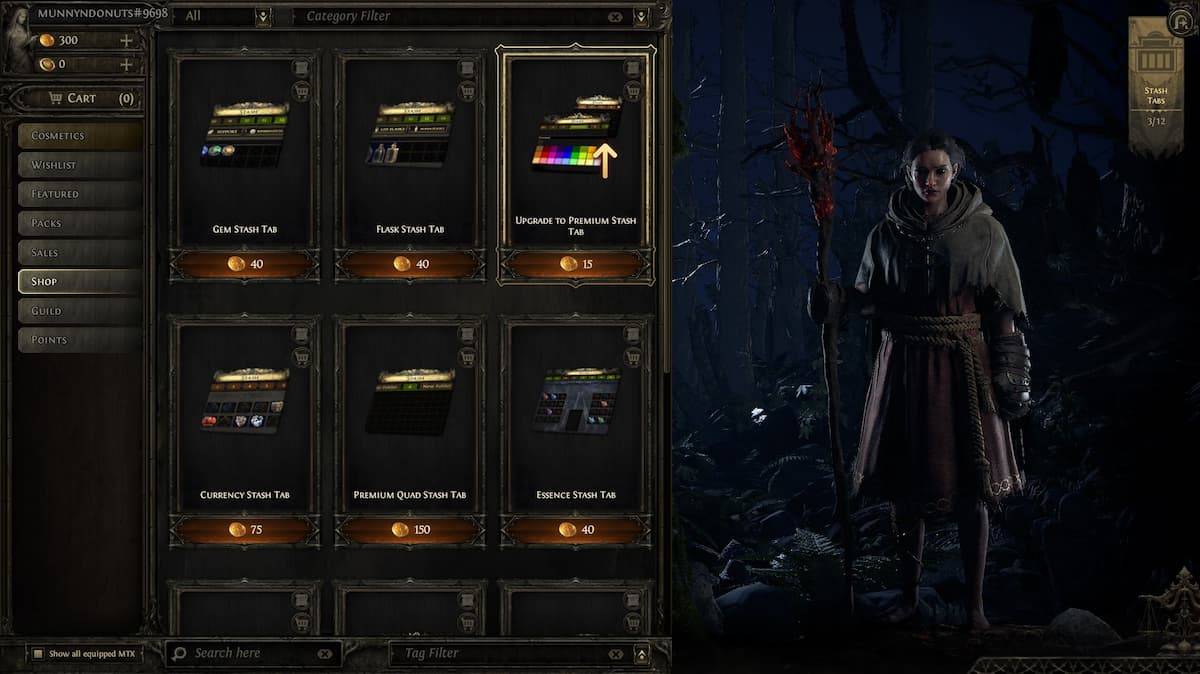
Path of Exile 2's official trade site functions as an auction house, accessible via the provided link. A PoE account linked to your game platform is required.
To purchase items, utilize the site's filters to locate desired goods. Clicking "Direct Whisper" sends an in-game message to the seller, enabling communication and trade arrangement.
Selling items requires a Premium Stash Tab (purchased in-game). Place the item in the Premium Stash, set it to "Public," and optionally specify a price via right-click. The item will then automatically appear on the trade site. Buyers will contact you in-game to finalize the transaction.
This comprehensive guide covers Path of Exile 2's trading mechanics. For further game tips and troubleshooting, such as resolving PC freezing issues, consult additional resources.








![A Father’s Sins – Going to Hell [Ch. 7 Public] By Pixieblink](https://imgs.39man.com/uploads/67/1719578270667eae9eb6a75.jpg)