Application Description
Enhance your TOYOTA monitoring experience with this Torque Pro plugin designed specifically for your vehicle's advanced diagnostics.
Advanced LT transforms your Torque Pro app into a powerful TOYOTA-specific diagnostic tool, enabling real-time monitoring of specialized engine and automatic transmission parameters. This trial version gives you access to limited sensor data before committing to purchase (note: advanced calculations like Injector Duty Cycle aren't included).
Important: While additional TOYOTA models may work, this plugin has been thoroughly tested on:
- Avensis 1.8L/2.0L (T270 platform)
- Corolla 1.8L/2.0L (E140/E150 generations)
- Corolla 1.6L/1.8L (E160/E170 models)
- Camry 2.4L/2.5L (XV40 series)
- Camry 2.0L/2.5L (XV50 models)
- Highlander 2.7L (XU40 version)
- Highlander 2.0L/2.7L (XU50 series)
- RAV4 2.0L/2.5L (XA30 platform)
- RAV4 2.0L/2.5L (XA40 models)
- Verso 1.6L/1.8L (R20 generation)
- Yaris 1.4L/1.6L (XP90 models)
- Yaris 1.3L/1.5L (XP130 series)
The package includes an innovative ECU Scanner for discovering unsupported sensors on TOYOTA engines. Simply record a minimum of 1,000 data samples and forward the logs to our development team for analysis.
System Requirements: The latest Torque Pro version must be installed as this is exclusively a plugin - it won't function as a standalone application.
Installation Guide
- After purchasing from Google Play, verify the plugin appears in your device's applications list
- Open Torque Pro and select the "Advanced LT" icon
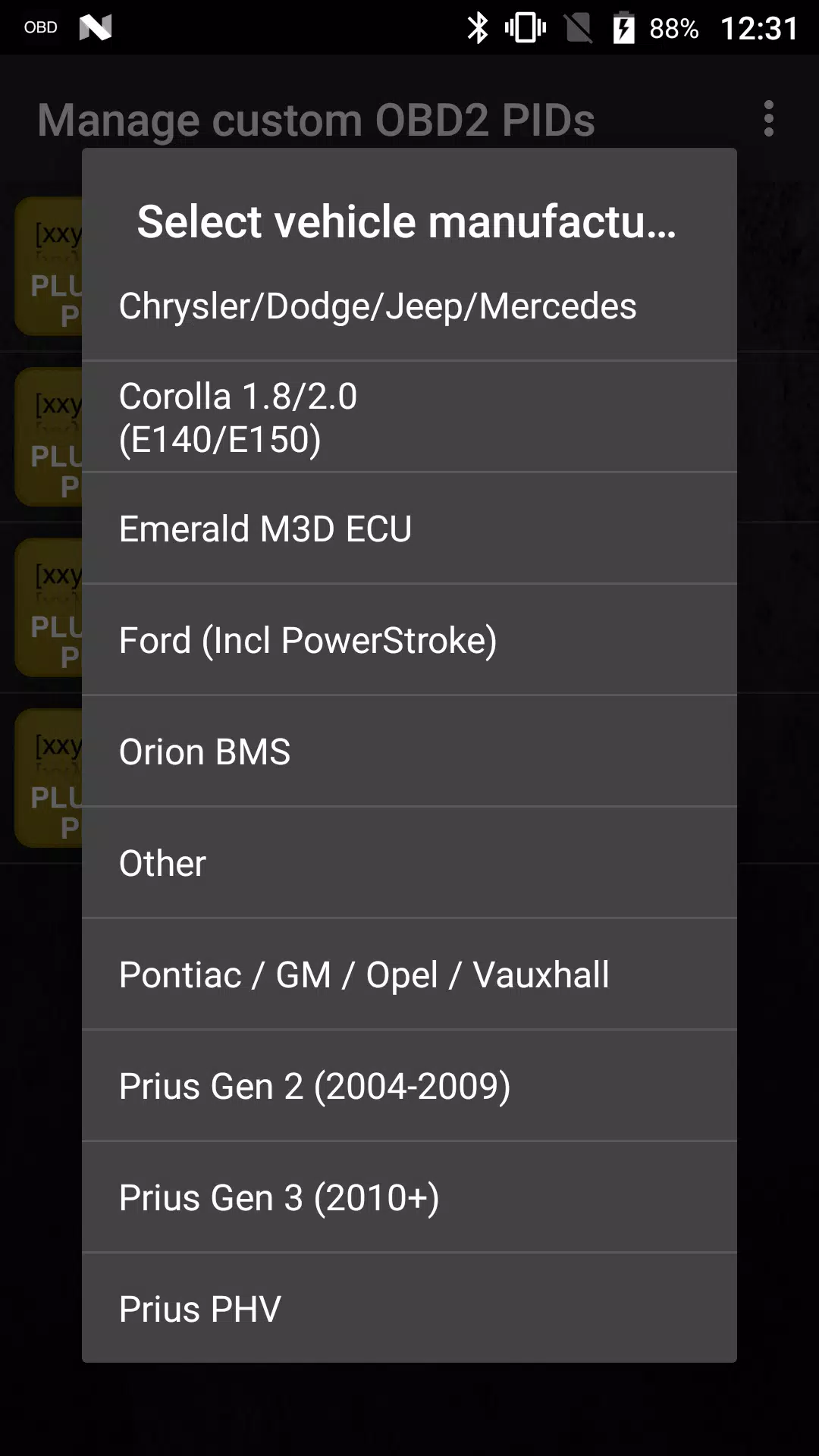
- Choose your specific engine configuration
- Navigate to Torque Pro Settings
- Confirm plugin activation under Settings > Plugins > Installed Plugins
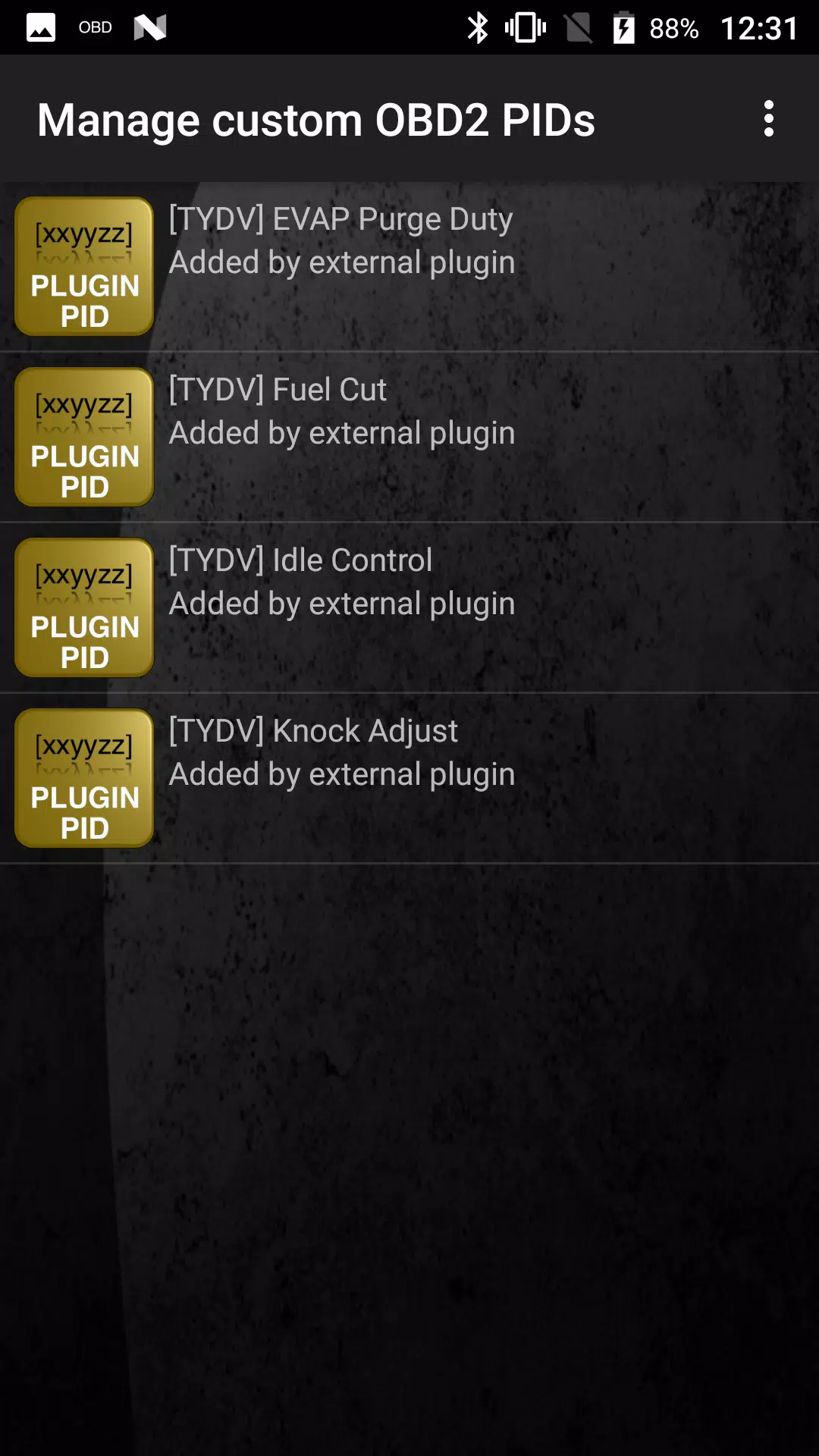
- Select "Manage extra PIDs/Sensors"
- Existing custom PIDs will display here if previously configured
- From the menu, choose "Add predefined set"
- Select your exact TOYOTA engine configuration
- The system will populate with specialized sensor parameters
Dashboard Setup
- With sensors successfully added, access the Realtime Information display
- Press the menu button and select "Add Display"
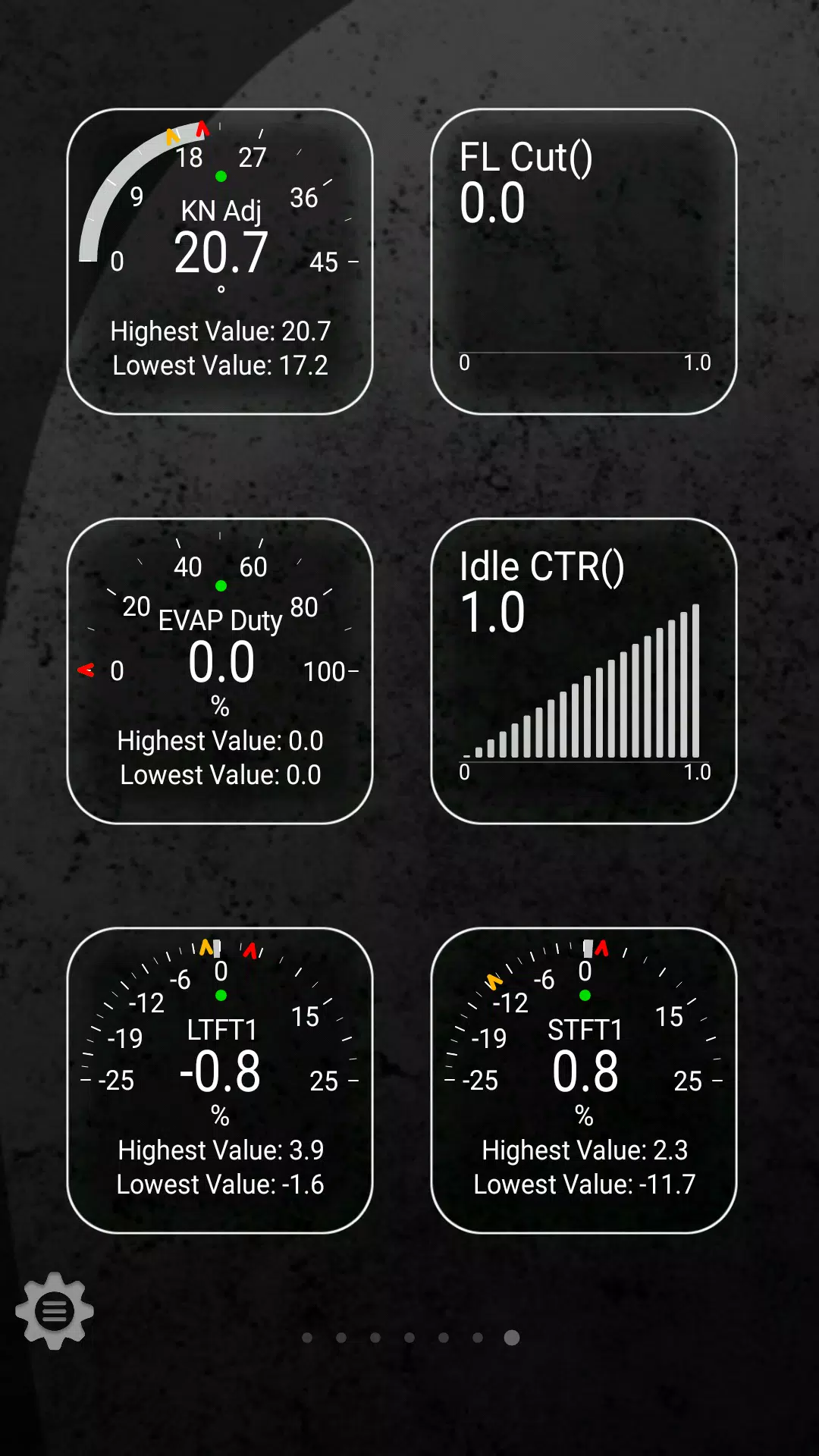
- Choose your preferred visualization (dial, bar graph, digital readout, etc.)
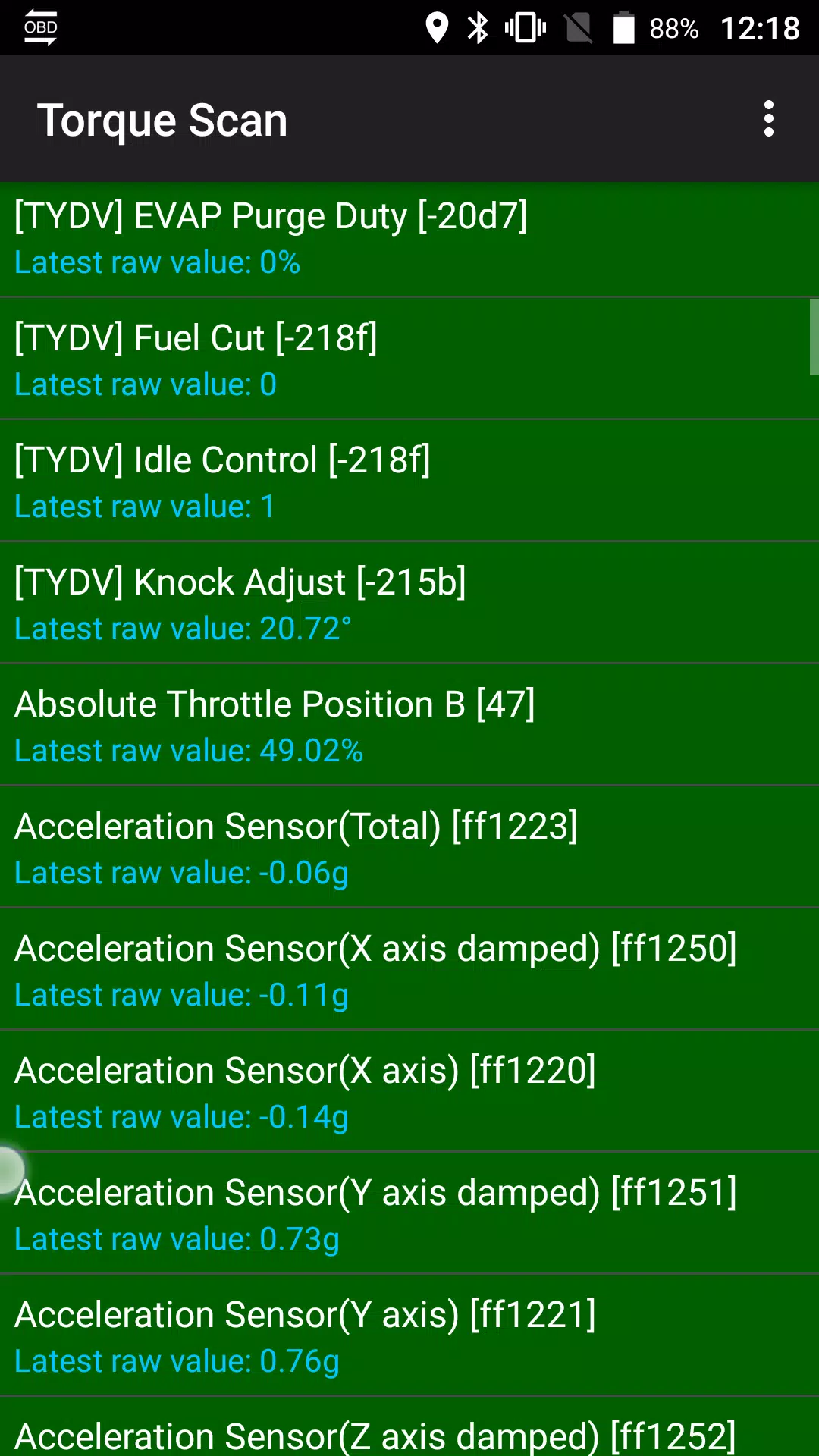
- Select desired sensors - all Advanced LT parameters are prefixed with "[TYDV]"
Future updates will expand functionality with additional parameters. We welcome your feedback and suggestions to improve the plugin. For technical support or feature requests, please contact our development team.
Advanced LT for TOYOTA Screenshots
Reviews
Post Comments
Trending Games
Trending apps




![A Father’s Sins – Going to Hell [Ch. 7 Public] By Pixieblink](https://imgs.39man.com/uploads/67/1719578270667eae9eb6a75.jpg)







Latest Articles
More