


Application Description
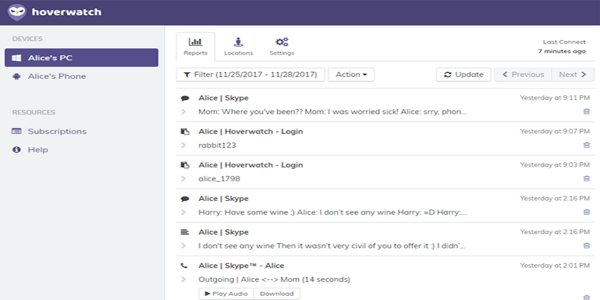
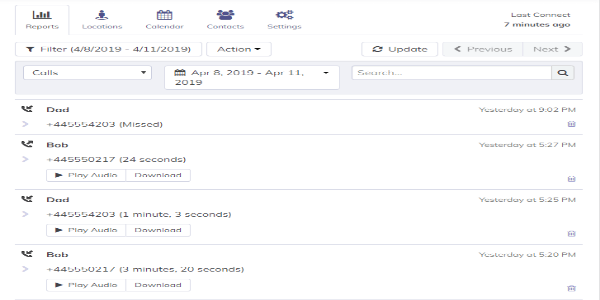
Hoverwatch is a sophisticated monitoring application for Android that delivers a full suite of tracking capabilities. It allows users to oversee calls, text and multimedia messages, GPS locations, social media interactions, and keystrokes. Accessible via a secure online dashboard, the app runs invisibly in the background, making it a discreet solution for both parental oversight and workplace monitoring.
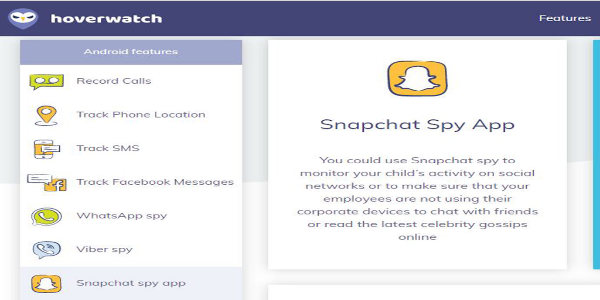
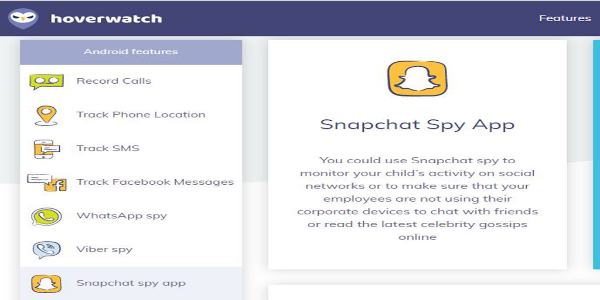
Key Features of Hoverwatch APK
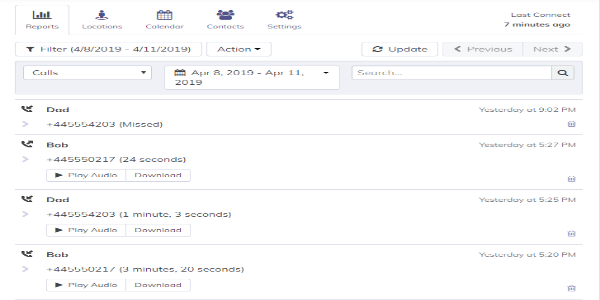
Call Tracking: Hoverwatch meticulously logs all incoming and outgoing calls, capturing details like duration, timestamps, and contact information.
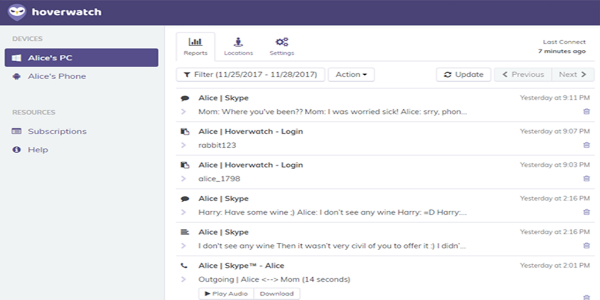
SMS and MMS Logging: The application archives both text and multimedia messages, giving you access to full content, sender/recipient details, and precise timestamps for complete message history.
GPS Location Tracking: Hoverwatch provides both real-time and historical GPS tracking, enabling users to see the device's live location and review its past movements on an interactive map.
Social Media Monitoring: This tool monitors activity on major social platforms like Facebook, WhatsApp, and Snapchat, allowing you to view messages, shared photos, videos, and other media.
Keylogger: The app records every keystroke typed on the device, capturing usernames, passwords, and text entered across apps and websites.
Internet History: It tracks and saves the device's browsing history, letting you review all visited websites along with their access times.
Media Capture: Hoverwatch can take automatic screenshots of the device's screen, providing a visual record of user activity.
Stealth Mode: Operating in complete secrecy, the app runs hidden from view, making it extremely difficult for the device user to detect its presence.
Pros of Using Hoverwatch:
Comprehensive Monitoring: The app offers an extensive array of features—from call and SMS tracking to GPS, social media, and keylogging—providing a complete picture of device usage.
Remote Access: Users can remotely view all recorded data and monitor activities through a convenient online portal, making management possible from anywhere with an internet connection.
Stealth Mode: Its ability to operate invisibly ensures confidential monitoring without alerting the device user.
User-Friendly Interface: Hoverwatch boasts an intuitive, easy-to-navigate dashboard that simplifies accessing and reviewing monitored information.
Cons of Using Hoverwatch:
Compatibility Limitations: Hoverwatch is currently exclusive to Android devices and does not support iOS or other operating systems, limiting its use to a single platform.
Legal and Ethical Considerations: Employing monitoring software involves significant legal and ethical responsibilities. Users must comply with local regulations, obtain proper consent, and carefully weigh the privacy implications of monitoring another person's device.
Conclusion:
Hoverwatch is a powerful Android monitoring app that provides advanced features including call tracking, message logging, GPS location monitoring, social media surveillance, and keylogging. Its user-friendly interface and remote online access make managing and reviewing data straightforward. However, users should be mindful of its platform limitations and the ethical concerns surrounding monitoring tools. Available only for Android, Hoverwatch may involve legal and privacy risks. Always ensure you follow applicable laws, respect individual privacy, and secure necessary permissions before use. Download Hoverwatch to leverage its comprehensive tracking capabilities, but remember to use it responsibly and ethically.
Hoverwatch Screenshots
Reviews
Post Comments
Trending Games
Trending apps




![A Father’s Sins – Going to Hell [Ch. 7 Public] By Pixieblink](https://imgs.39man.com/uploads/67/1719578270667eae9eb6a75.jpg)







Topics
More
Latest Articles
More


Ragnarok X Tops 20M Global Players
Oct 05,2026
Mech Arena – F2P Gear Hub Guide
Oct 02,2026