準備ができているかどうか:すべての進歩を失うことなくmodsを拭く方法
著者: David
Feb 27,2025


コミュニティが作成したMODから非常に有益であるか、ゲームプレイを大幅に強化します。ただし、MODは、不安定性につながり、変更されていないプレーヤーとのマルチプレイヤーセッションを防ぐことがあります。このガイドは、準備ができているか、インストールされていないものからすべてのMODを削除するための完全な方法を提供します。
準備ができているか、modsを削除するか
modインストール方法(Nexus mod Manager、mod.io、またはマニュアル)に関係なく、次の手順に従って削除します。
1。登録解除:準備ができているかどうか。ゲーム内のMODメニューで、すべてのアクティブなMODからの登録解除。これにより、削除後に自動再ダウンロードを防ぎます。ゲームを閉じます。
2。ゲームファイルを削除します: Steamを開き、ライブラリで右クリックしているかどうか、プロパティを選択してからインストールされたファイルを選択し、最後に閲覧します。これにより、ゲームのディレクトリが開きます。 「準備ができているかどうか」に移動します>「コンテンツ」>「Paks」。 「Paks」フォルダー内のすべてのファイルを削除し、「Paks」フォルダー自体を削除します。
3。 readyまたはno notフォルダーを見つけてから、readyまたはnot savedpaksに移動します。ここでも「Paks」フォルダーを削除します。
4。ゲームファイルの確認: Steamで、右クリックの準備ができているかどうかにかかわらず、[プロパティ]> [インストールされたファイル]> [ゲームファイルの整合性]を確認します。これにより、ゲームのコアファイルがそのままであることが保証されます。
5。
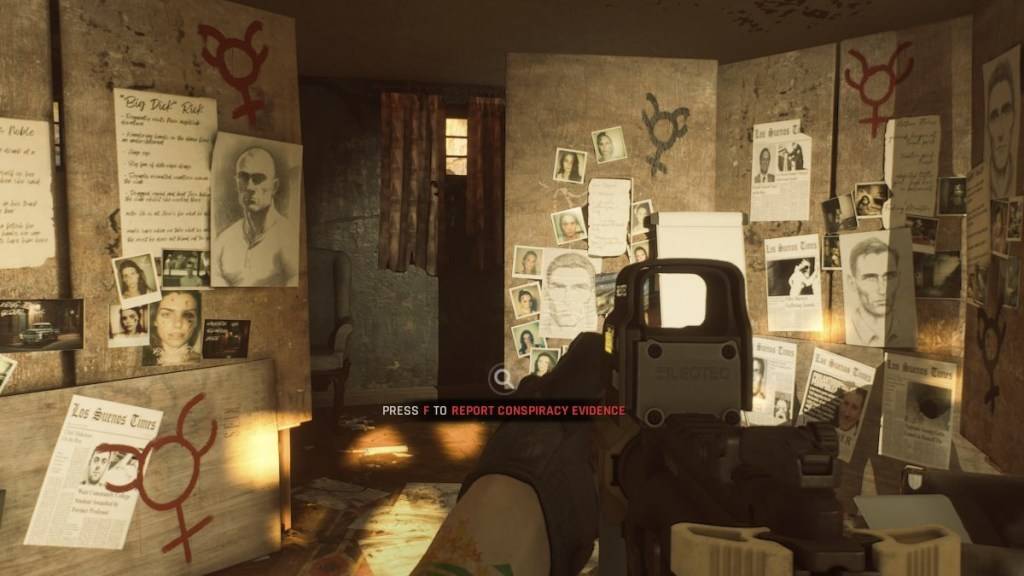
modsを削除する理由?
MODは準備ができているかどうかにかかわらず素晴らしい追加を提供しますが、エラー、バグ、グリッチを導入できます。クリーンなmod除去は、しばしばこれらの問題を解決します。さらに、modは、同じmodがインストールされていない友人とのマルチプレイヤーを防ぎます。 modを削除すると、互換性とスムーズなオンラインゲームプレイが保証されます。
準備ができているかどうかはPCで利用できます。




![NULL [Remastered]](https://imgs.39man.com/uploads/71/1719651062667fcaf6c483b.png)