


Application Description
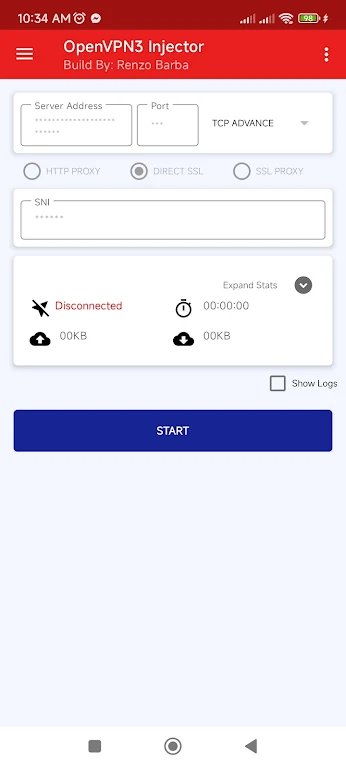
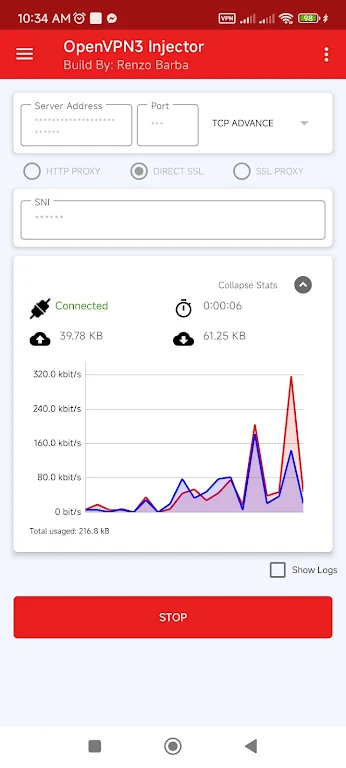
OpenVPN3 Injector is a powerful and flexible VPN application packed with advanced capabilities to improve your online activities. It enables OpenVPN to operate through an HTTP proxy, supports importing and exporting configurations, and even allows internet sharing via tethering, making it exceptionally versatile. The app includes ready-to-use profiles from well-known VPN providers such as tcpvpn.com, simplifying the VPN setup process. Additionally, OpenVPN3 Injector features an intuitive interface, a wide selection of global server locations, and strong security measures including DNS and IPv6 leak protection and an automatic kill switch. Whether your priority is online privacy, bypassing geo-blocks, or sharing your connection, this app provides a complete solution.
Features of OpenVPN3 Injector:
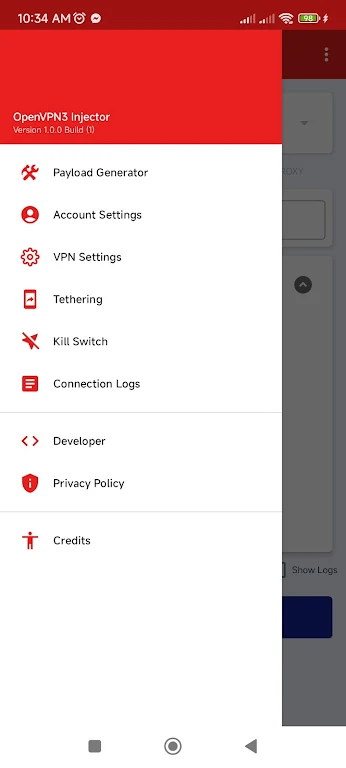
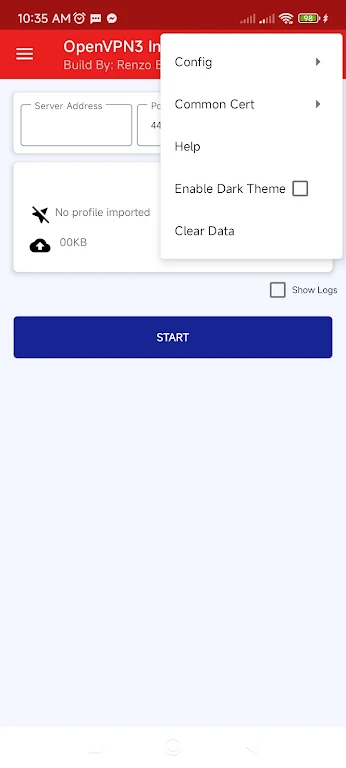
> Advanced Capabilities: OpenVPN3 Injector delivers a suite of sophisticated features that extend beyond basic VPN services. Users can route OpenVPN traffic through an HTTP proxy, import and export configuration files, and share their internet connection with other devices using the built-in tethering option.
> Ready-Made Profiles: This tool comes with pre-configured profiles from trusted VPN services like tcpvpn.com. Users can conveniently select these profiles directly from the app’s menu, eliminating the need for manual configuration. For enhanced security, the common certificate for tcpvpn.com can also be imported.
> Intuitive Interface: The application offers an easy-to-navigate interface that streamlines the process of setting up and connecting to VPN servers. With just a few taps, users can choose from numerous servers across various countries, helping them overcome geo-restrictions and access region-locked content.
> Strong Security: OpenVPN3 Injector incorporates powerful security features such as DNS leak protection, IPv6 leak protection, and a kill switch that halts internet traffic if the VPN connection fails. This ensures user activities remain private and data stays secure at all times.
FAQs:
> Can I use OpenVPN3 Injector to share my internet connection with multiple devices?
Yes, the app includes a tethering feature that lets you share your internet connection easily with other devices, such as smartphones or tablets. This is especially helpful when you need to provide internet access to several devices without configuring individual VPN connections for each one.
> How do I select a VPN server from a specific country?
OpenVPN3 Injector allows you to pick from multiple VPN servers located in different countries. To do this, open the app, go to the server selection menu, and choose your desired country. This will direct your internet traffic through a server in that location, enabling you to bypass geo-blocks and access content restricted to that region.
> What protocols does the app support?
It supports multiple protocols, including TCP and UDP. You can select the most suitable protocol depending on your needs and network environment. TCP is known for its reliability, while UDP generally provides faster speeds. Try both to determine which protocol performs best for your usage.
Conclusion:
OpenVPN3 Injector is a full-featured VPN tool that provides an array of advanced functions to enhance your internet experience. Whether you need to run OpenVPN via an HTTP proxy, import ready-made profiles, share your internet connection, or maintain strong security, this app delivers. Its user-friendly design makes it simple to set up and connect to VPN servers around the world, helping you overcome geographic restrictions and access content that may be unavailable in your location.
OpenVPN3 Injector Screenshots
Reviews
Post Comments
Trending Games
Trending apps




![A Father’s Sins – Going to Hell [Ch. 7 Public] By Pixieblink](https://imgs.39man.com/uploads/67/1719578270667eae9eb6a75.jpg)







Latest Articles
More