

Application Description
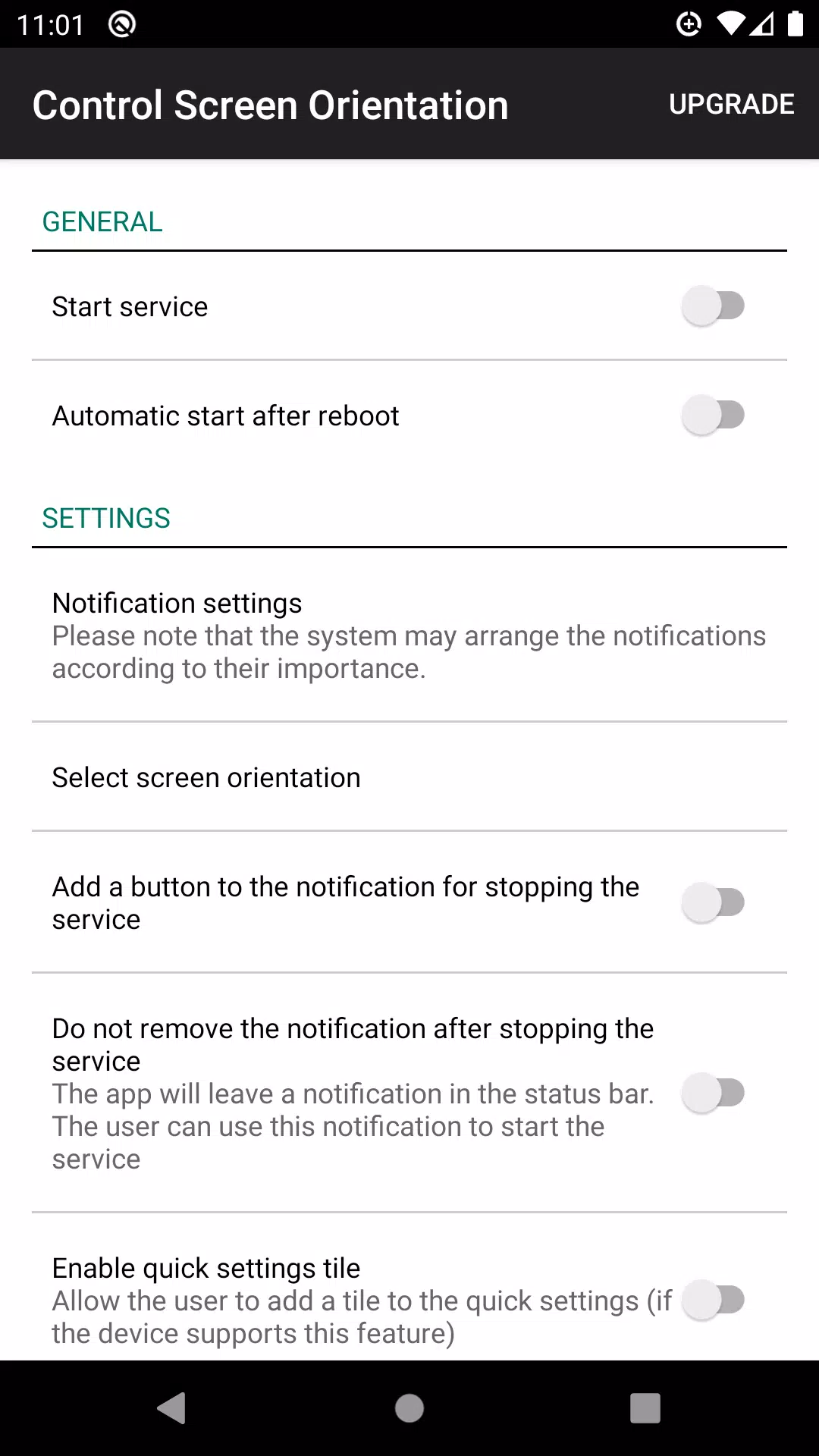
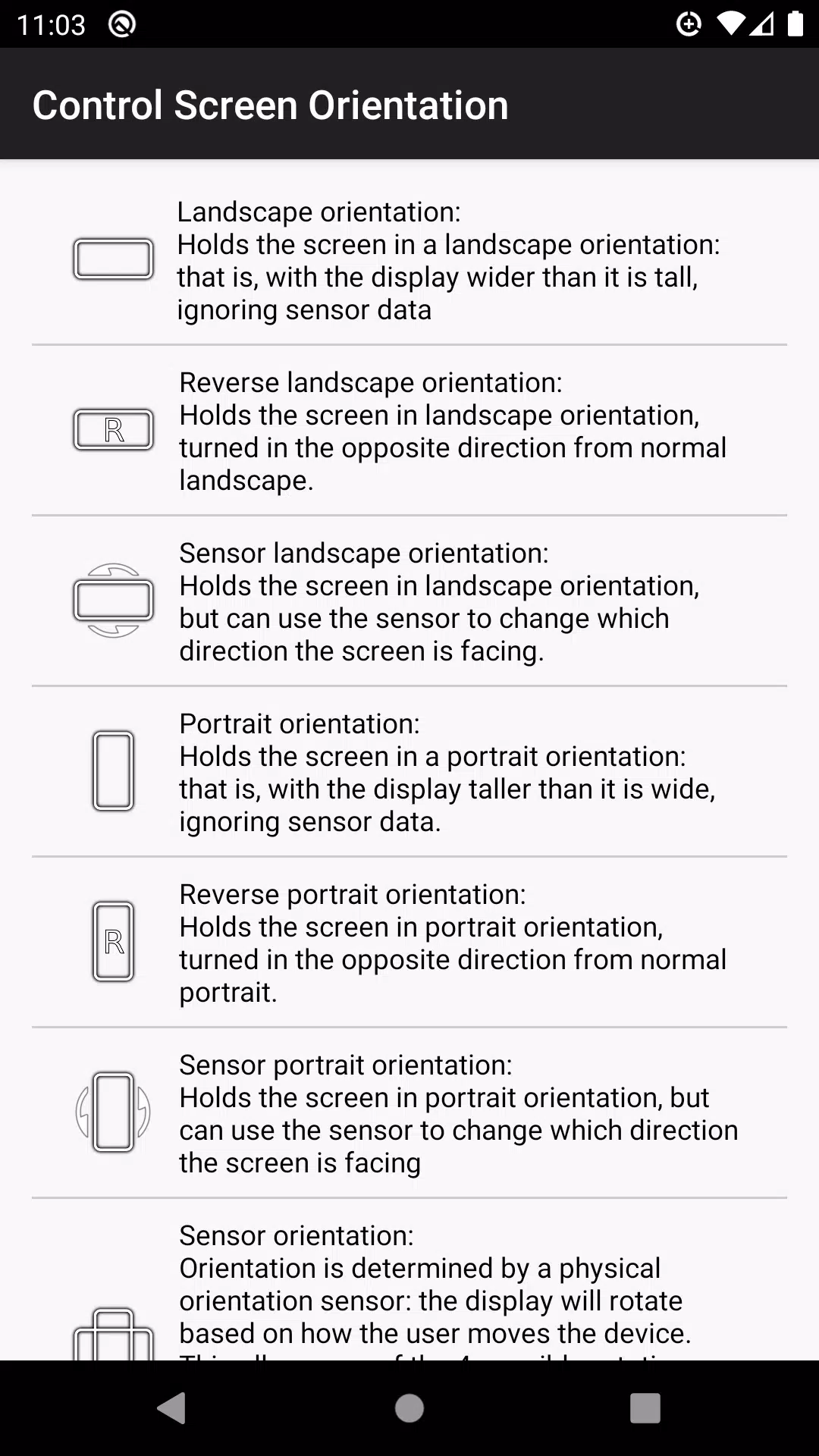
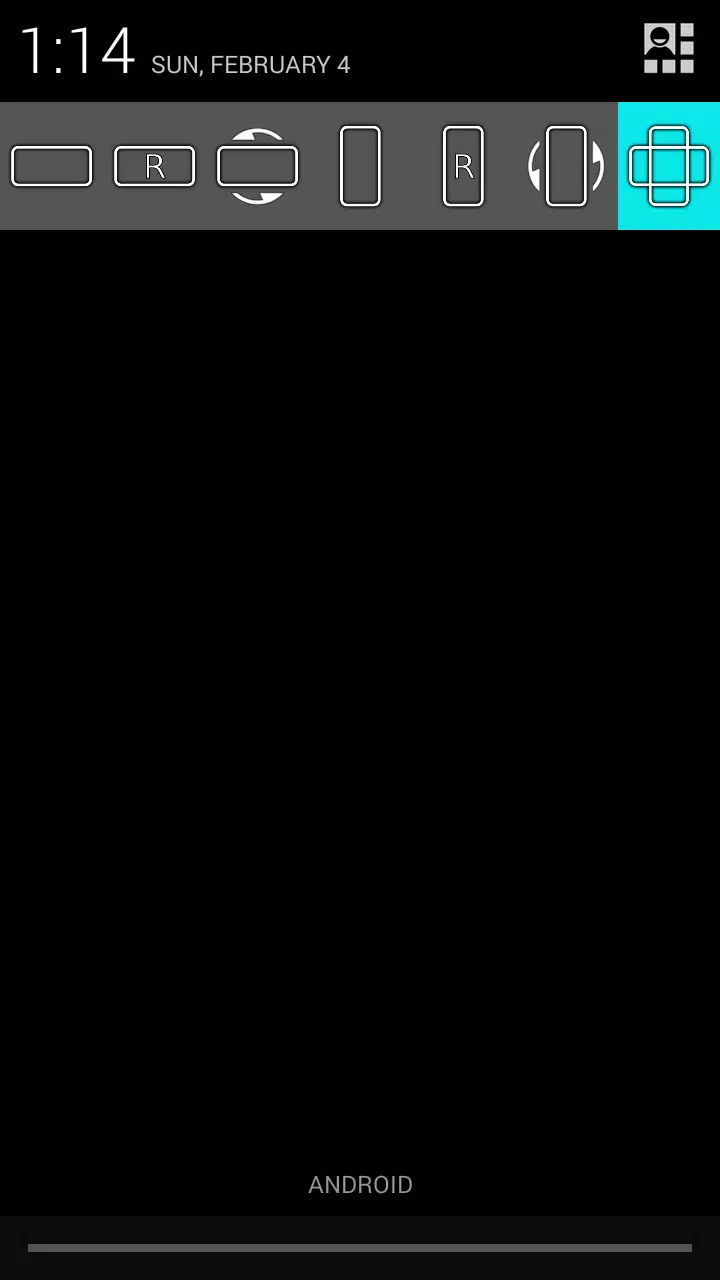
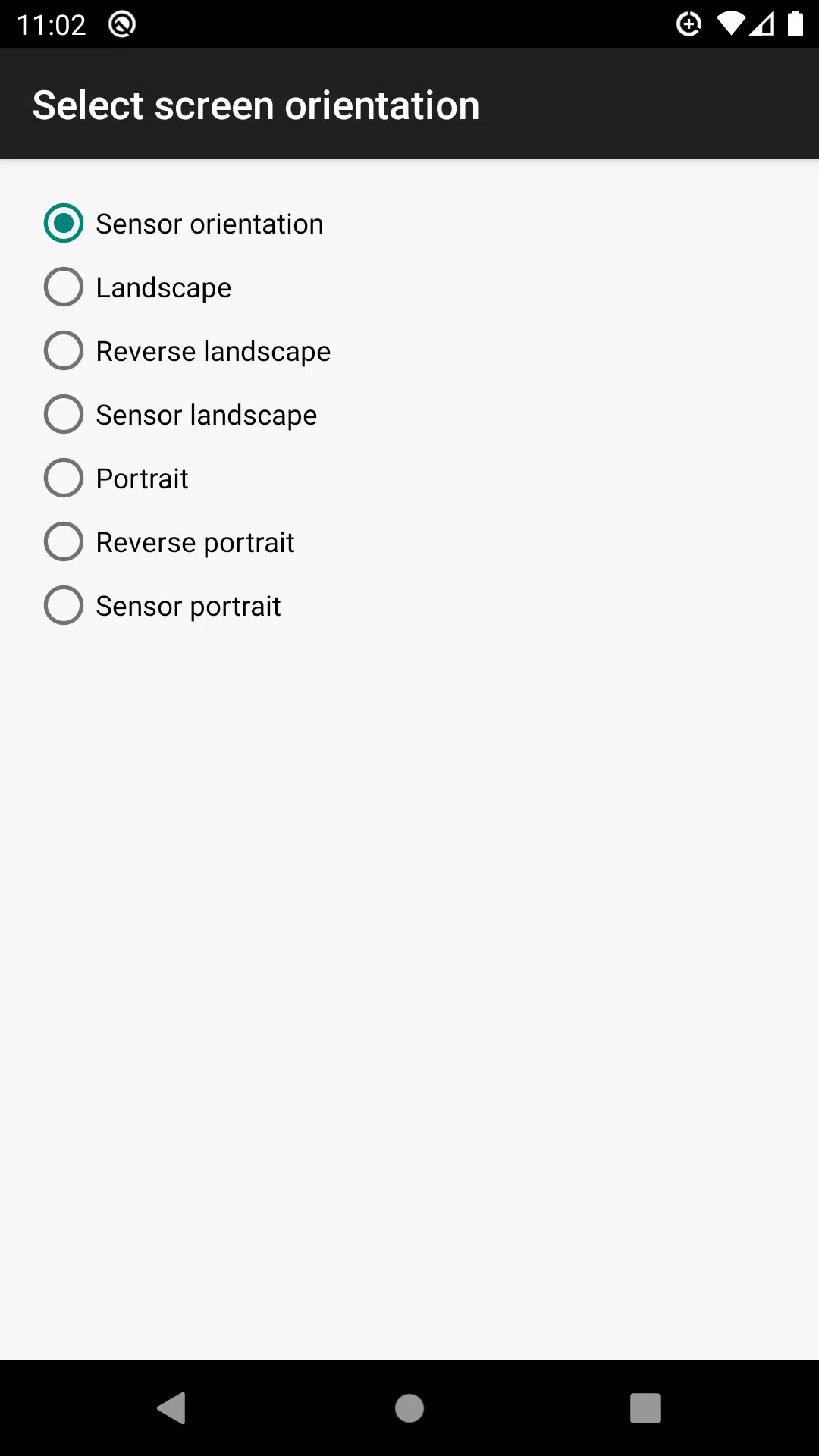
Effortlessly manage your device's screen orientation right from the notification bar. With this feature, you can prevent your screen from auto-rotating and select your preferred orientation for any application. Here are the available orientations you can choose from:
- Landscape
- Reverse Landscape
- Sensor Landscape
- Portrait
- Reverse Portrait
- Sensor Portrait
- Sensor Orientation (Auto Rotation)
Please note that some screen orientations might not be available on all devices.
What's New in Version 4.1
Last updated on Apr 30, 2024
Bug fixes have been implemented to enhance your experience.
control screen rotation Screenshots
Reviews
Post Comments
Trending Games
Trending apps



![NULL [Remastered]](https://imgs.39man.com/uploads/71/1719651062667fcaf6c483b.png)







Topics
More
Ultimate Guide to Beauty Products
News and Magazine Apps to Keep You Informed
Best Hypercasual Games for Android
Best Photography Editing Software
Top Rated Strategy Games on Google Play
Best Adventure Games for Android
Top Lifestyle Apps for Productivity and Organization
Top Arcade Classics and New Hits
Latest Articles
More

ETBs Return: Single Cards Offer Better Deals
Dec 12,2025
Star Wars Books Half Price at Amazon
Dec 11,2025
