Star Trek Fleet Command Codes: Latest Update (Jan '25)
Author: Aria
Feb 02,2025


Star Trek Fleet Command: A Captain's Guide to Free Rewards with Codes
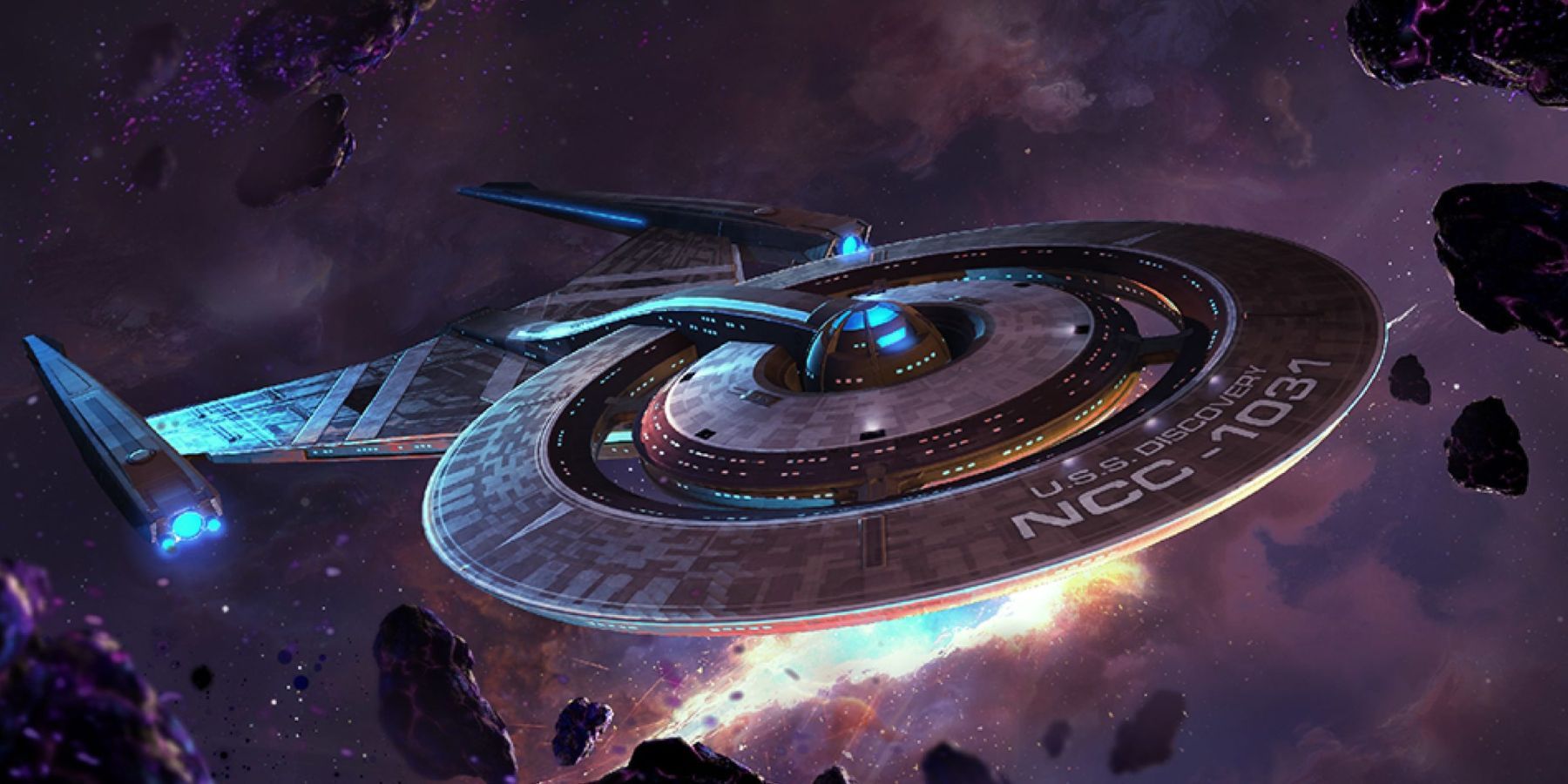
Star Trek Fleet Command, a captivating game based on the iconic Star Trek franchise, demands significant time and resources to build your empire. Constructing structures, battling invaders, and expanding your fleet require substantial materials. Fortunately, Star Trek Fleet Command offers codes to unlock valuable in-game gifts. This guide provides the latest active codes and instructions for redemption.
Updated January 8, 2025.
Active Codes
The following codes provide various rewards. Note that some codes require reaching specific Ops levels:
Expired Codes (These will no longer work)
Redeeming Your Codes
Redeeming codes isn't done directly within the game. You'll need a Scopely account linked to your game profile. Follow these steps:
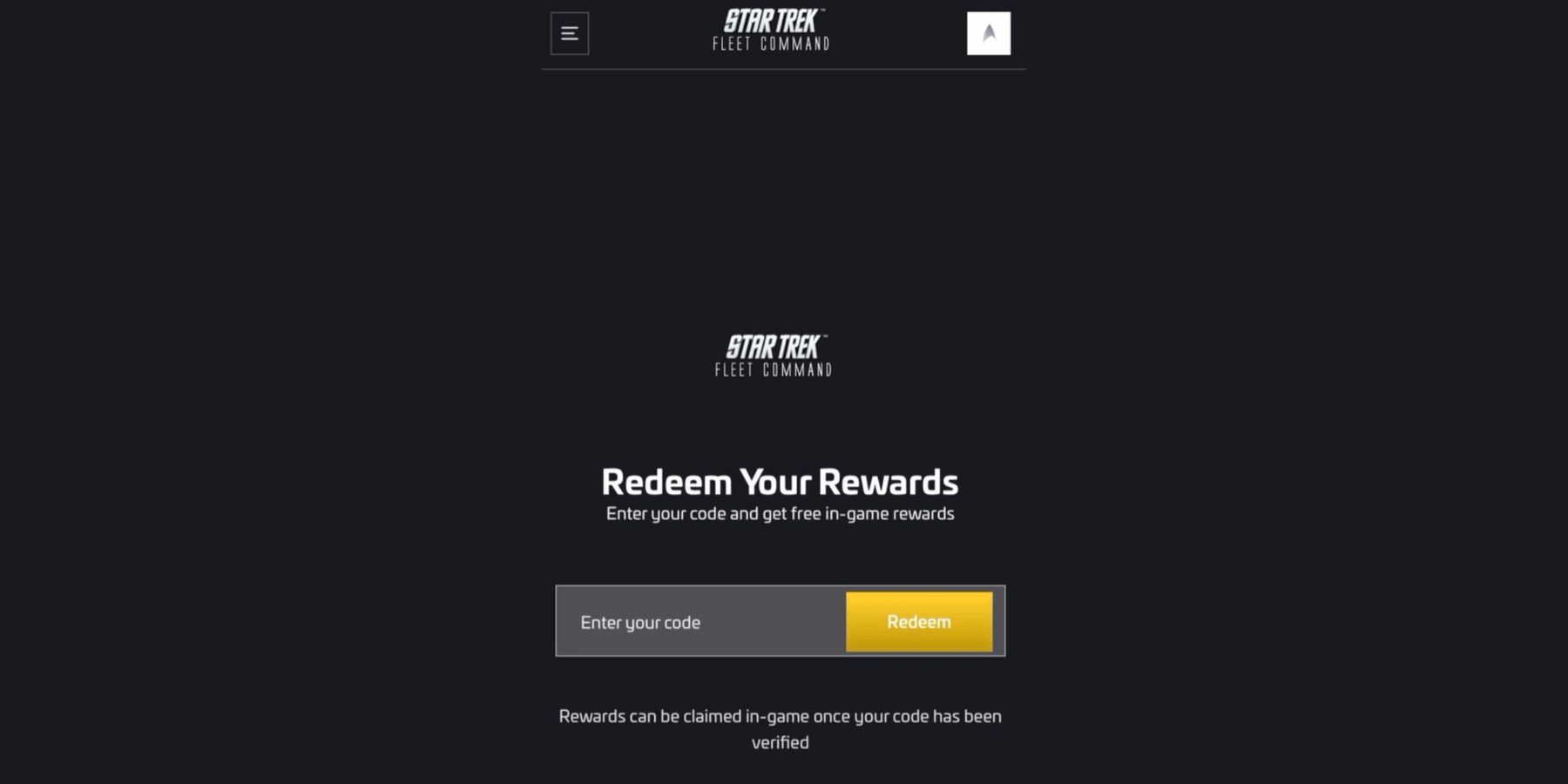
Important Note: If a code doesn't work, even if it's active, check the Ops level requirement (indicated above). You must meet the specified level to claim the reward.
Star Trek Fleet Command is available on PC, Android, and iOS.





![NULL [Remastered]](https://imgs.39man.com/uploads/71/1719651062667fcaf6c483b.png)